
Introduction
Upgradeable laptop GPUs are a game-changer in the mobile computing world. They enable users to improve their device performance and extend their laptop’s lifespan. As tasks like gaming, design, and productivity become more demanding, having the flexibility to upgrade your GPU becomes crucial. This guide delves into the benefits, top models for 2024, the upgrading process, potential challenges, and common questions.

Understanding Upgradeable Laptop GPUs
Upgradeable laptop GPUs give users the opportunity to replace their existing graphics processing unit, leading to better performance and improved visuals.
What Makes a GPU Upgradeable?
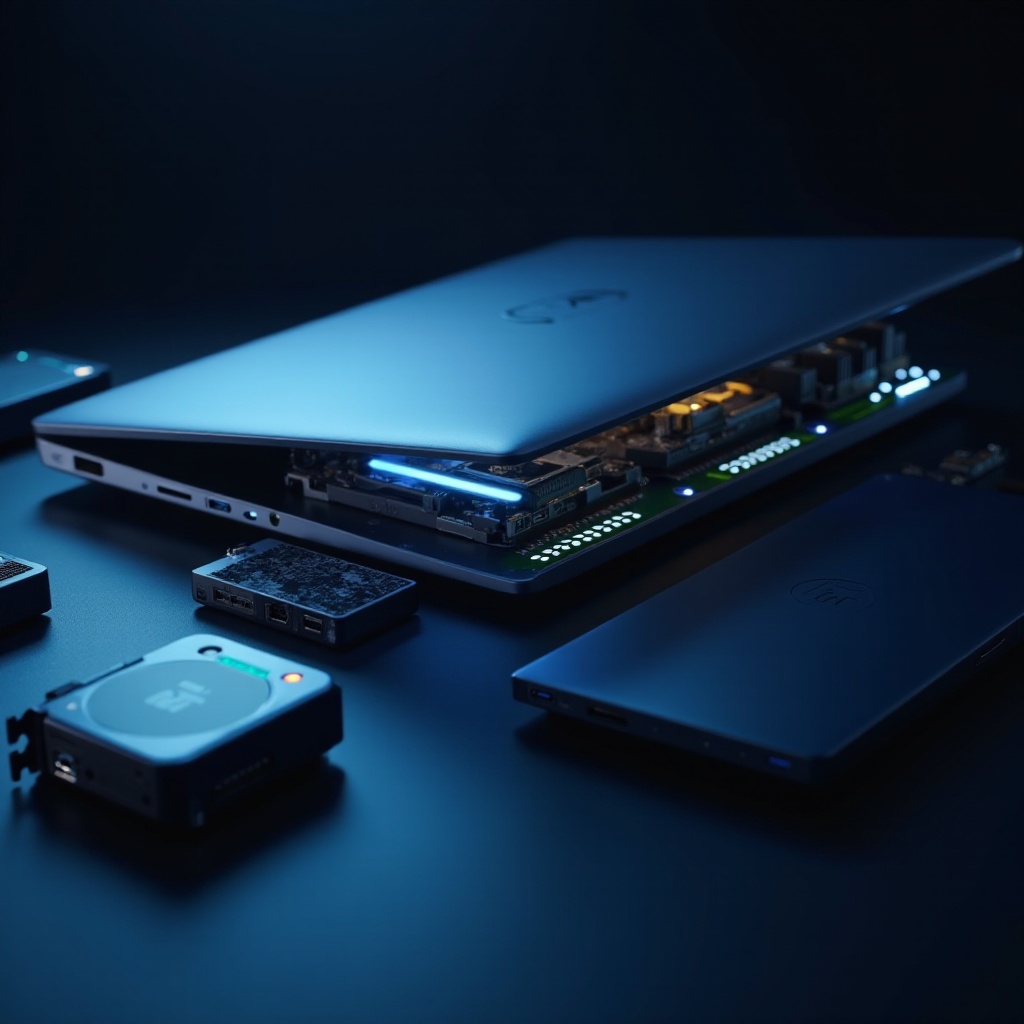
An upgradeable GPU is designed with a modular slot on the motherboard, allowing it to be swapped out for a newer model. Unlike soldered GPUs, these use standard interfaces like PCIe slots. To determine if a GPU is upgradeable, check laptop specifications or consult the manufacturer.
Key Differences from Desktop GPUs
Desktop GPUs are known for their power and scalability, while upgradeable laptop GPUs focus on combining compact design with flexibility. Desktops support larger components, but laptops must balance performance with space and power limitations. Despite these differences, the rise of upgradeable laptop GPUs allows users to enjoy similar customization and potential as desktop users.
By bridging these differences, users can benefit from both the practicality and flexibility offered by upgradeable laptop GPUs.

Benefits of Upgradeable Laptop GPUs
The appeal of upgradeable laptop GPUs lies in their ability to extend a laptop’s utility, providing numerous advantages.
Performance Enhancements
Upgrading can significantly improve processing speed, rendering abilities, and overall graphics quality. Laptops with upgraded GPUs can handle intensive tasks like gaming, video editing, and 3D modeling more efficiently.
Longevity and Future-Proofing
Laptops with upgradeable components tend to last longer than their non-upgradeable counterparts. This capability allows users to keep pace with technological advancements and extends their device’s life, ensuring compatibility with emerging software and applications.
Cost-Effectiveness Over Time
Though the initial investment might seem high, the ability to upgrade a GPU rather than purchasing a new machine delivers cost savings over time. Users cater to immediate needs instead of replacing the entire system, which is a smart financial strategy.
Understanding these benefits is crucial as you consider which laptops offer the best value and flexibility for upgrades.
Top Upgradeable Laptop Models in 2024
Leading manufacturers have embraced the trend of upgradeable components, offering powerful options in 2024.
Leading Brands Offering Upgradeable Options
Brands such as Dell Alienware, Razer, MSI, and ASUS Republic of Gamers (ROG) stand out with impressive upgradeable laptops. Models like Alienware’s Area-51m and MSI’s GT76 Titan DT are known for their balance of performance and modularity.
Features to Look For in Upgradeable Models
When evaluating upgradeable laptops, consider:
– GPU Slot Compatibility: Ensure compatibility with the desired GPU model.
– Thermal Management: Efficient cooling systems maintain optimal performance.
– Portability and Design: Seek a balance between performance and portability.
Choosing the right model sets the stage for a successful upgrade, enhancing your device’s performance and lifespan.
How to Upgrade Your Laptop GPU
Checking Compatibility
- Visit Manufacturer Websites: Check detailed laptop specifications and supported GPU models.
- Verify Existing Laptop Specifications: Confirm compatibility with your current setup.
- Consult Forums and Community Groups: Gain insights from enthusiasts who have performed similar upgrades.
Selecting the Right GPU for Your Needs
Choose a GPU model based on performance benchmarks tailored to your requirements. Consider graphic intensity, multitasking needs, and software compatibility to make an informed decision.
Step-by-Step Installation Guide
- Discharge Static Electricity: Create a static-free environment for component safety.
- Switch Off and Unplug the Laptop: Always disconnect power sources before starting.
- Open the Laptop Case: Follow device-specific instructions to access internal components.
- Uninstall Existing GPU: Carefully detach screws, clips, or connectors securing the GPU.
- Install the New GPU: Align and secure the GPU, ensuring proper connection.
- Reassemble and Test: Close the case, reconnect power, and run tests to verify success.
Harness the guidelines to enjoy a smooth upgrade journey while addressing potential obstacles.
Potential Challenges and Solutions
Common Compatibility Issues
Despite thorough checks, some compatibility issues may arise. Keep your drivers updated and verify motherboard firmware compatibility to avoid surprises.
Technical Skills Required for Upgrades
Upgrading a GPU requires basic technical know-how. If unsure, consider professional help or consult online tutorials for comprehensive guidance.
Proactive communication about goals and hardware flexibility enhances the value derived from upgrades.
Conclusion
Upgradeable laptop GPUs offer a compelling mix of enhanced performance and extended device life. They cater to diverse needs, from high-performance tasks to incremental upgrades. Prioritize compatibility and informed model selection for a seamless experience and optimal satisfaction.
Frequently Asked Questions
Can I upgrade the GPU on any laptop?
Not all laptops support GPU upgrades. Verify model specifications to see if upgrades are possible.
How often should I consider upgrading my laptop GPU?
Upgrade when performance lags, or when new software demands higher capabilities.
What are the signs that I need a GPU upgrade?
Slow rendering times, reduced frame rates in games, and sluggish graphic applications often signal the need for an upgrade.