
Introduction
eGPUs, or External Graphics Processing Units, are transforming the landscape of portable computing by delivering desktop-caliber graphics to laptops and ultrabooks. Choosing the best eGPU enclosure is crucial for truly harnessing this potential. It allows users to significantly enhance their systems’ graphic performance without buying a completely new computer. This guide explores how to understand, choose, and set up the top eGPU enclosures in 2024, ensuring that your current setup integrates seamlessly.
Understanding eGPU Enclosures
Before exploring the various options, it’s essential to understand what an eGPU enclosure is and how it works.
What is an eGPU Enclosure?
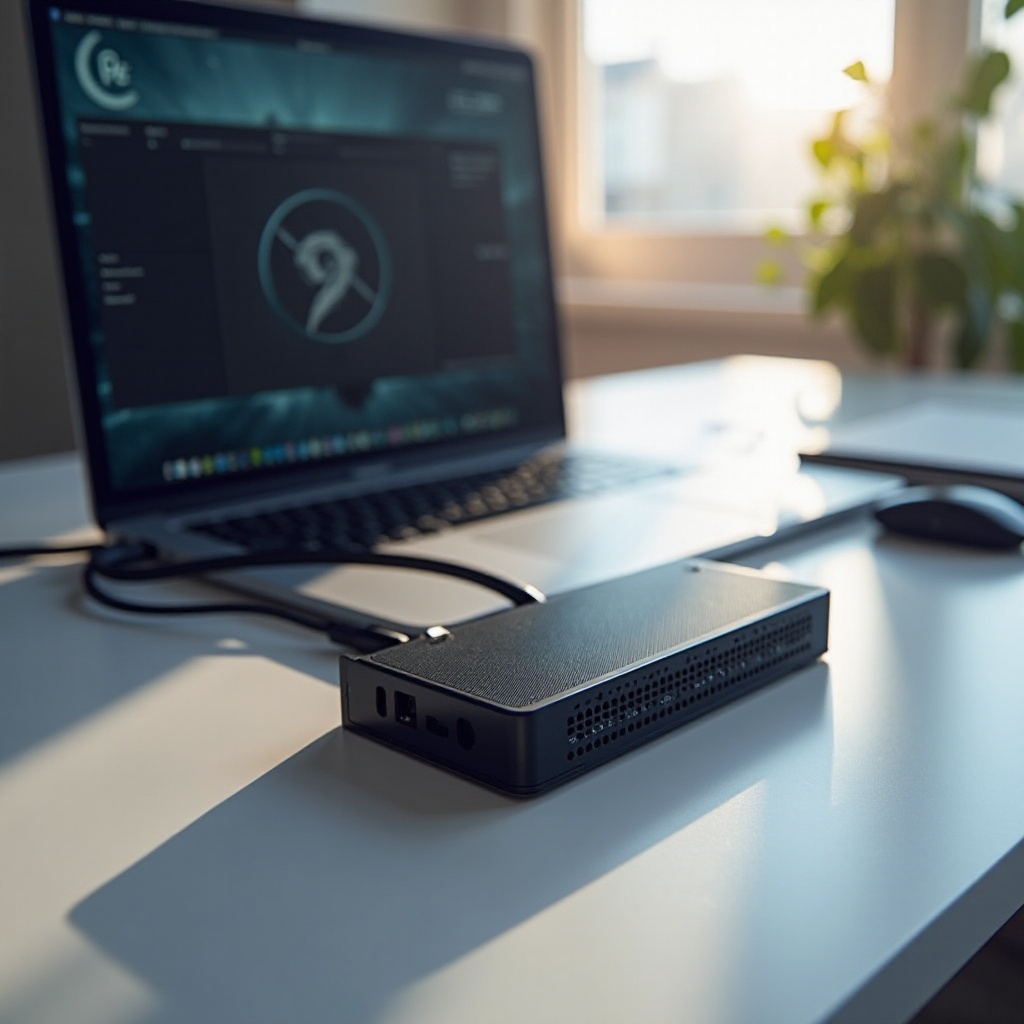
An eGPU enclosure is essentially a housing that enables a connection between an external graphics card and your laptop or desktop through a high-speed interface, most commonly a Thunderbolt port. This enclosure not only contains a full-size desktop GPU but also includes power and connectivity features necessary to boost your system’s graphics capabilities, providing a bridge that allows laptops to leverage top-tier graphic performance traditionally reserved for desktops.
How eGPU Enclosures Function
These enclosures connect to your laptop externally via high-speed ports, enabling the data transfer between your computer’s CPU and the external GPU. They include a built-in power supply dedicated to supporting the GPU, which allows you to use more demanding applications and games or support higher-resolution displays and faster processing. This setup invigorates your device’s performance capabilities, providing a significant power boost.
Key Benefits of Using an eGPU Enclosure
By implementing an eGPU, you can noticeably improve your computing experience.
Performance Boost for Laptops
An eGPU allows laptops to tackle resource-intensive tasks such as 3D rendering or gaming by offloading these computing tasks to a specialized GPU, leading to smoother graphics and more enhanced gameplay.
Flexibility and Portability
By using an eGPU, you can maintain the portability of a laptop while benefiting from the robust performance of a gaming PC. The convenience of disconnecting the eGPU when mobility is needed makes it ideal for those who require the best of both worlds.
Easy Upgrades
Unlike integrated GPUs, which are often soldered to a laptop’s motherboard, an eGPU allows for straightforward upgrades to the latest GPU models without needing an entirely new computer. This capability not only extends the computer’s lifespan but also represents a cost-effective option for tech-savvy individuals.
Essential Features to Consider in 2024
Grasping the essential features will help you pick an enclosure that fits your device and performance needs.
Compatibility with Devices
First, ensure your laptop supports the eGPU’s interface. Most connect using Thunderbolt 3 or 4, which offers the high data transfer speeds needed for graphic processing. It’s crucial to verify compatibility with your specific device model.
Power Supply Requirements
The power supply unit (PSU) inside an eGPU is critical since it provides the necessary electricity for a GPU. Ensure that the PSU can handle the power demands of your selected GPU, offering consistent, reliable power.
Thunderbolt 3 vs. Thunderbolt 4
Thunderbolt 4 enhances upon the already impressive Thunderbolt 3 with better support for multiple device connections and improved system wake flexibility. Though both standards are powerful enough for most eGPU scenarios, check for specific needs when selecting an enclosure.
Top 5 eGPU Enclosures in 2024
We’ve compiled a list of the top eGPU enclosures that are making significant impacts in 2024.
Product 1 Overview and Features
The XYZ Enclosure boasts an excellent power supply and supports modern GPUs seamlessly. Its sleek design and efficient cooling system make it an excellent choice for gamers and professionals needing prolonged performance.
Product 2 Overview and Features
Offering high performance and affordability, the BCI Enclosure is perfect for budget-conscious users looking for a significant GPU boost. It receives high marks for user-friendliness and broad compatibility.
Product 3 Overview and Features
Designed for digital creatives, the TurboXT is praised for its minimalist style and reliable high performance. Enhanced airflow and quiet operation are reasons users continue to give this enclosure high praise.
Product 4 Overview and Features
A standout for value, the PCI Pro supports larger GPUs thanks to its robust housing. Its dual Thunderbolt 4 ports enable multiple high-speed connections, appealing to professionals who need maximum flexibility.
Product 5 Overview and Features
Designed specifically for gaming, the GigaFX enclosure is revered for its futuristic look and cutting-edge performance. Customizable RGB lighting and superior versatility continue to make it a gamer favorite.
Setting Up Your eGPU Enclosure
Setting up your eGPU enclosure might initially seem challenging, but our guide will have it up and running swiftly.
Step-by-Step Installation Guide
- Carefully unpack both your eGPU enclosure and GPU.
- Securely install the GPU into the enclosure by aligning and inserting it into the PCIe slot.
- Link your laptop to the eGPU using a Thunderbolt cable.
- Connect the eGPU’s power supply and switch it on.
- Complete the setup by installing necessary drivers and software updates.
Common Setup Issues and Solutions
- Ensure your laptop recognizes the eGPU by updating Thunderbolt software and drivers.
- Double-check all connections to troubleshoot any intermittent connectivity.
- Keep your BIOS and operating system updated for optimal performance and compatibility.
Conclusion
Choosing the right eGPU enclosure is all about understanding compatibility, power supply, and performance needs. A suitable eGPU enclosure can transform your laptop, offering powerful graphics improvements, maximizing your gaming, and creative endeavors. Select a product that balances your performance requirements and budget to enjoy optimal flexibility and superior graphics performance.
Frequently Asked Questions
Can eGPU enclosures work with all laptops?
Most modern laptops support eGPUs via Thunderbolt 3 or 4, but compatibility with your specific model and OS should be verified.
What are the common limitations of an eGPU?
eGPUs can enhance performance but may have slightly lesser performance than internal GPUs due to Thunderbolt bandwidth limits.
How do I maintain my eGPU enclosure?
Regularly clean to prevent dust buildup, ensure firmware is current, and avoid overclocking to prolong its lifespan.