
Introduction
Choosing a computer for photo and video editing is crucial for enhancing your creative potential. The right machine can dramatically affect the outcome of your projects and streamline your workflow. With the advancing technology of 2024, a variety of computers are primed for the intricate demands of editing software. In this comprehensive guide, you will discover the features that make a computer suitable for editing and learn about top models available this year.
Understanding Key Components for Editing
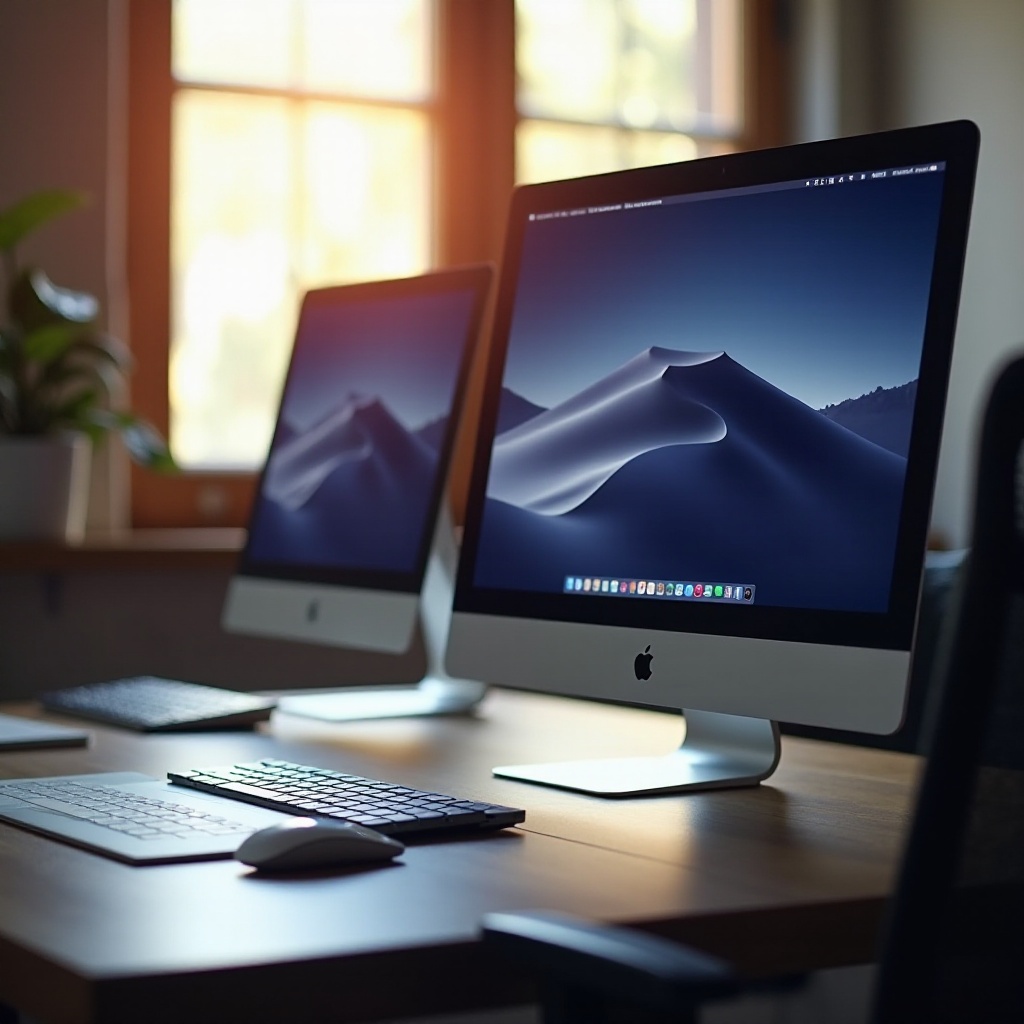
Before diving into specific models, it is important to understand the components that actually impact editing performance. This knowledge will empower you to make a more informed purchase decision.
CPU: Power and Performance Needs
At the heart of any editing machine is the CPU, which dictates how well it performs under heavy-load tasks such as rendering. Multi-core processors like the Intel Core i9 or AMD Ryzen 9 excel in handling complex operations, offering the seamless operation needed by editors.
GPU: Importance for Rendering and Playback
The GPU offloads tasks from the CPU, handling graphics-intensive applications such as video playback and rendering. A dedicated graphics card, such as those from NVIDIA’s RTX series or AMD’s Radeon lineup, is indispensable, offering the visual prowess necessary for smooth editing.
RAM: Ensuring Smooth Operation
RAM holds and processes the data currently being used by your applications. For most editing tasks a minimum of 16GB is required, though 32GB or more is optimum for large-scale projects and intensive multitasking, aiding in reducing lag and improving your editing workflow.
Storage: Speed and Capacity Solutions
Fast storage solutions are key in editing environments. Solid State Drives (SSDs) provide the high-speed data transfer rates necessary for swift file manipulation and quick boot times. Combining a smaller SSD for critical software with an HDD for large data storage offers an ideal setup.
Display Essentials for Photo and Video Editing
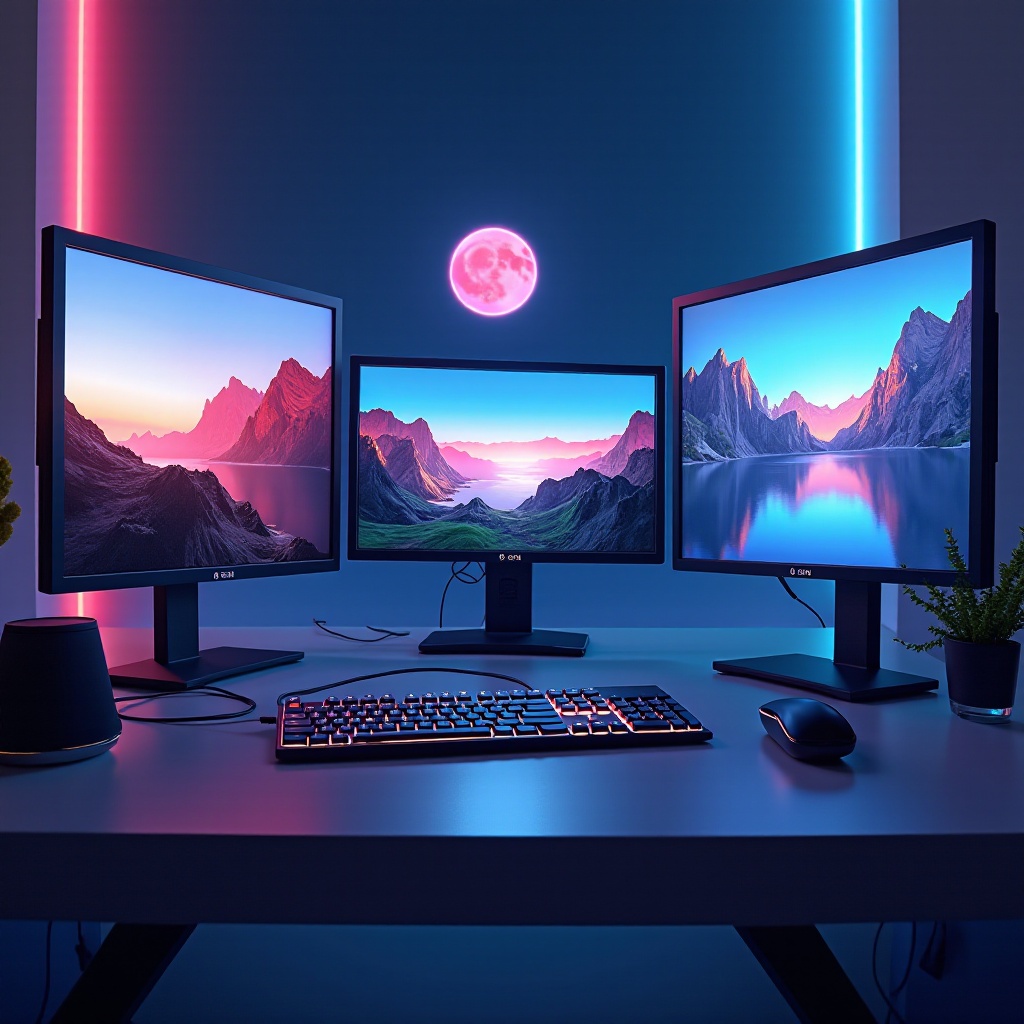
Understanding computer internals is important, but the monitor you use will directly affect your editing experience. A great display will ensure that you see your edits in the best quality possible.
Importance of Resolution and Color Accuracy
A high-resolution display enables you to see more detail and make more accurate edits. For the best results, seek out a monitor with at least 1920×1080 resolution and accurate color representation, essential for graphic design and video color grading.
Recommended Display Features
Select monitors that cover 100% of the sRGB color space and a significant portion of Adobe RGB for superior accuracy. Additional features such as anti-glare and blue light filtering can assist in reducing eye strain during those long editing sessions.
Top Computer Picks for 2024
With a firm understanding of what powers an effective photo and video editing computer, it is time to look at some of the year’s top computers.
High-End Workstations for Professionals
- Apple Mac Studio with M2 Ultra – Unmatched in performance, offering a refined ecosystem tailored for creative professionals.
- Dell Precision 5680 – Packed with features aimed at handling professional editing workloads efficiently.
- HP Z4 G4 Workstation – Known for its powerful processing capabilities, this model caters to high-performance needs.
Best Mid-Range Options for Enthusiasts
- ASUS ROG Strix G17 – Balances power and affordability for dedicated enthusiasts.
- Lenovo Legion 5 – Provides reliability with impressive processing power suitable for most editing tasks.
- Dell XPS 15 – A favorite among editors, renowned for its high-quality display and robust performance features.
Budget-Friendly Choices for Beginners
- Acer Aspire 7 – Combines great value with satisfactory performance, ideal for entry-level editing.
- HP Pavilion x360 – Offers versatility and adequate power for simpler editing needs.
- Microsoft Surface Laptop Go 2 – Compact and affordable with performance that supports basic editing tasks.
Laptops vs Desktops: Which is Right for You?
Choosing between a laptop and a desktop hinges on your editing habits and requirements. Laptops provide the advantage of portability, making them perfect for editors who work on the go. Conversely, desktops often provide greater power and ease of upgrading, suitable for fixed workspaces and those who require maximum processing power.
Tips for Future-Proofing Your Computer Investment
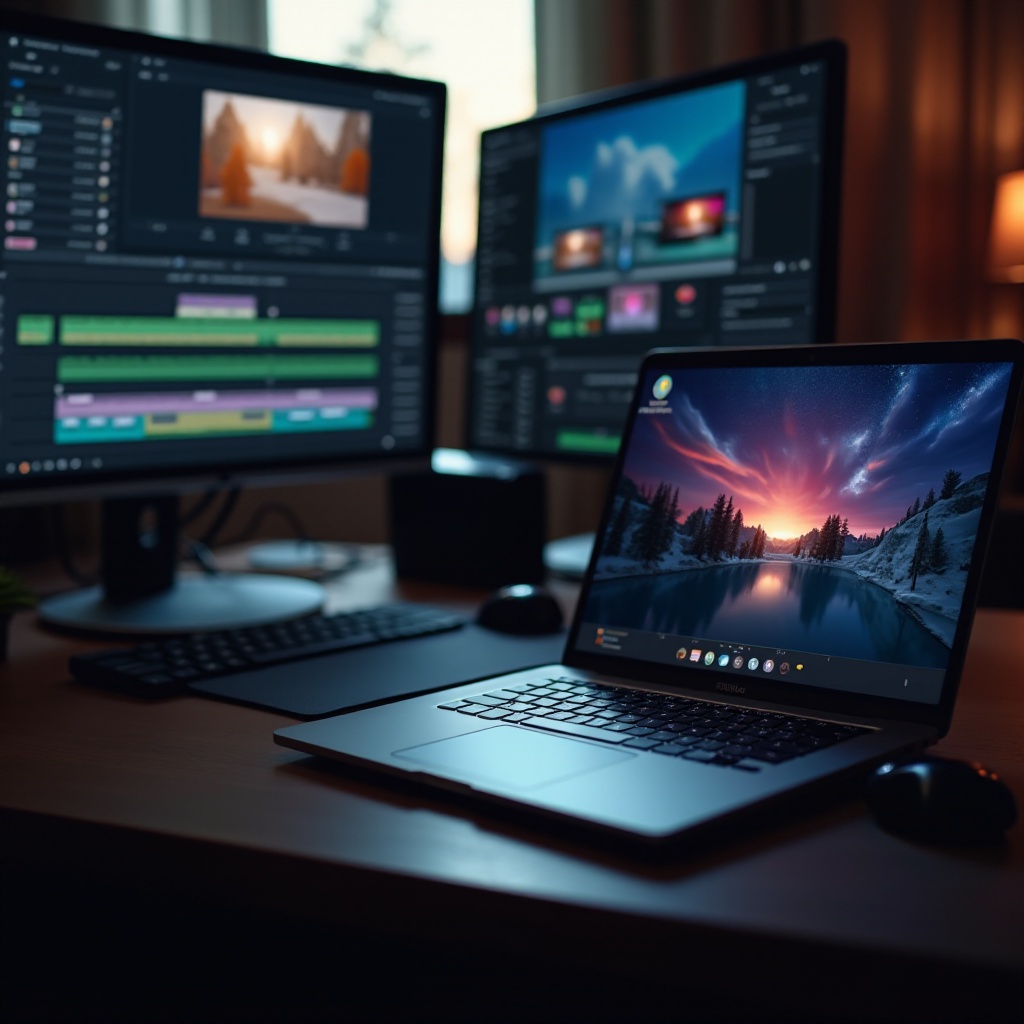
Investing in the right editing computer is significant. To ensure longevity, choose models with specifications above the minimum software requirements. Look for options that allow for easy RAM and storage upgrades, and prefer models with future-compatible ports like Thunderbolt 4.
Conclusion
Finding the right computer for photo and video editing entails thorough consideration of your output goals, the components that affect your work, and budgetary constraints. By choosing wisely, you can enjoy a seamless and productive editing experience, whether at home or on the go. With the array of offerings in 2024, there’s a perfect fit for every editor’s needs, from amateur enthusiasts to seasoned professionals.
Frequently Asked Questions
What minimum specifications should I look for in a computer for video editing?
For video editing, aim for at least an Intel Core i7 or AMD Ryzen 7 processor, 16GB of RAM, a dedicated graphics card with 4GB VRAM, and a 512GB SSD.
Can I use a gaming computer for photo and video editing?
Yes, gaming computers often have powerful CPUs and GPUs that can handle editing tasks efficiently. They might lack professional-grade color accuracy, so pairing them with a good monitor is advisable.
How important is an external monitor for editing work?
An external monitor can significantly enhance your editing precision. A high-resolution monitor with good color accuracy will give you a clearer view of your work, making color correction and detailed edits more accurate.