
Introduction
Computer enthusiasts constantly seek ways to enhance both the functionality and design of their setups. Among the burgeoning innovations is the computer case with a built-in screen. This feature not only adds to the visual appeal of your workstation but also provides significant functional benefits. A built-in display allows users to monitor system stats, showcase custom graphics, or even improve their gaming experience. This article explores this trend in detail, highlighting its growing importance in 2024 and beyond.
What is a Computer Case with a Built-In Screen?
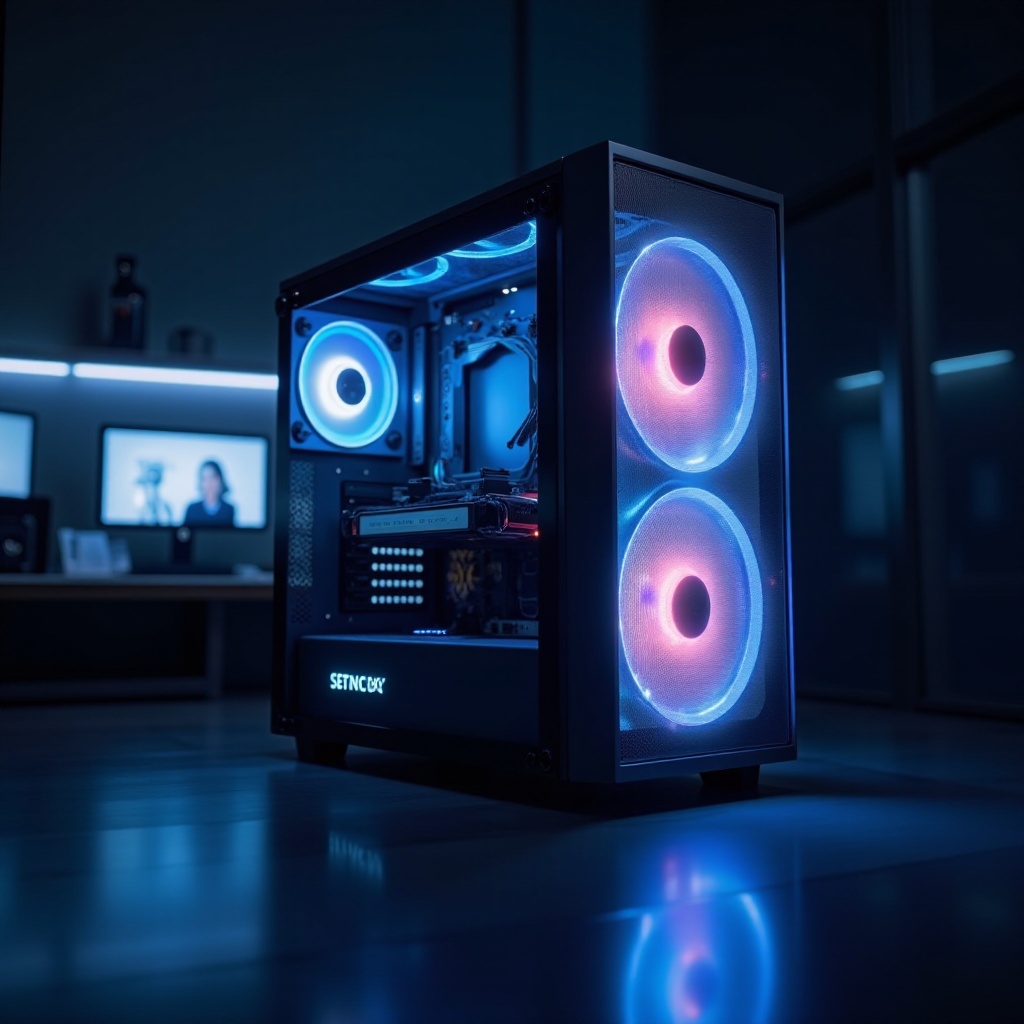
A computer case with a built-in screen features an integrated display, such as an LCD, LED, or OLED panel, within the case’s design. This screen is usually positioned on the front or side of the case and can display a variety of content, ranging from system temperatures and performance stats to custom visuals. The integration serves as both a functional component and a personalized touch to the computing experience.
The concept emerged as manufacturers recognized the potential for further personalization and utility in desktop computers. Unlike traditional setups, these built-in screens provide direct system access and interaction at a glance, extending the interface beyond the standard monitor and peripherals.
Advantages of Computer Cases with Built-In Screens
Space Efficiency and Aesthetic Appeal
By integrating the screen directly into the case, users can maximize space efficiency while maintaining cutting-edge technology. This innovation reduces desktop clutter by replacing separate monitoring hardware, resulting in a cleaner, more organized workspace.
Built-in screens frequently offer customizable display options, allowing users to adorn their PCs with unique graphics or system information. The visual impact of a glowing, interactive display can transform any workstation or gaming setup, achieving a perfect fusion of form and function.
Enhanced User Interaction and Functionality
These screens enhance user interaction by providing real-time feedback on hardware performance. Users can see CPU and GPU temperatures, frame rates, and network speeds instantly, enabling them to optimize and ensure smooth system operation.
Beyond monitoring, the screens can serve as media control panels, notification centers, or hubs for smart home automation with compatible software. The flexibility of use is limited only by the user’s creativity and the available software.
Popular Models of 2024
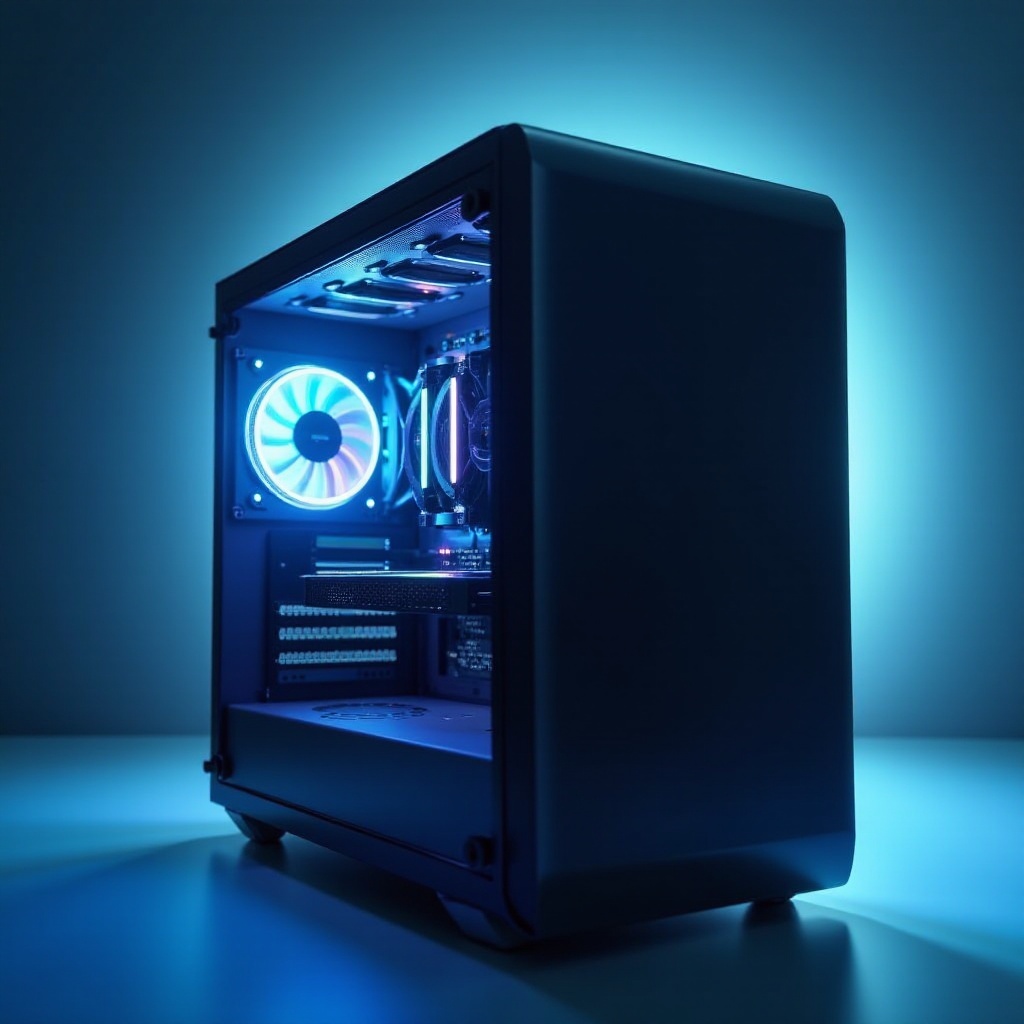
As we delve into the most popular models of 2024, certain models shine due to their innovation and user satisfaction.
Model X
Model X leads the industry with its ultra-slim LED display offering high-resolution visuals right on the case. It is celebrated for its compatibility with major monitoring software, facilitating easy customization of displayed data.
Model Y
Emphasizing versatility, Model Y boasts an adaptive OLED screen with automatic brightness adjustment for reduced eye strain. Its robust design and high refresh rate make it a favorite among gamers seeking instant system data without sacrificing visual quality.
Model Z
Designed for professional use, Model Z features a touch-enabled display, perfect for creative professionals who require an interactive display for tools and shortcuts. Its functionality and sleek design make it ideal for high-demand work environments.
How to Choose the Right Computer Case with a Built-In Screen
Factors to Consider (Screen Size, Resolution, Compatibility)
When choosing the right case, consider factors like screen size and resolution to ensure they meet your usage needs. Higher resolutions provide clarity, while larger screens enhance visibility. Ensuring compatibility with existing hardware and software is crucial to avoid future integration issues.
Budget and Pricing Considerations
Budget is a significant factor when selecting a computer case. While premium models offer extensive features, there are cost-effective options available that do not compromise core functionalities. Determine which features are essential for you and adjust accordingly to fit your budget.
Future Trends in Computer Cases with Integrated Screens
The future of computer cases is promising, as technology continues to entwine with user personalization. We expect advancements such as touch-sensitive panels and modular designs for greater customization. Moreover, manufacturers may introduce adaptive screen technologies that adjust based on user activity.
These trends will continue shaping the desktop landscape, integrating new functionalities with unique, customizable aesthetics tailored to diverse user preferences.
Potential Applications in Gaming and Professional Settings
Gaming Enhancements
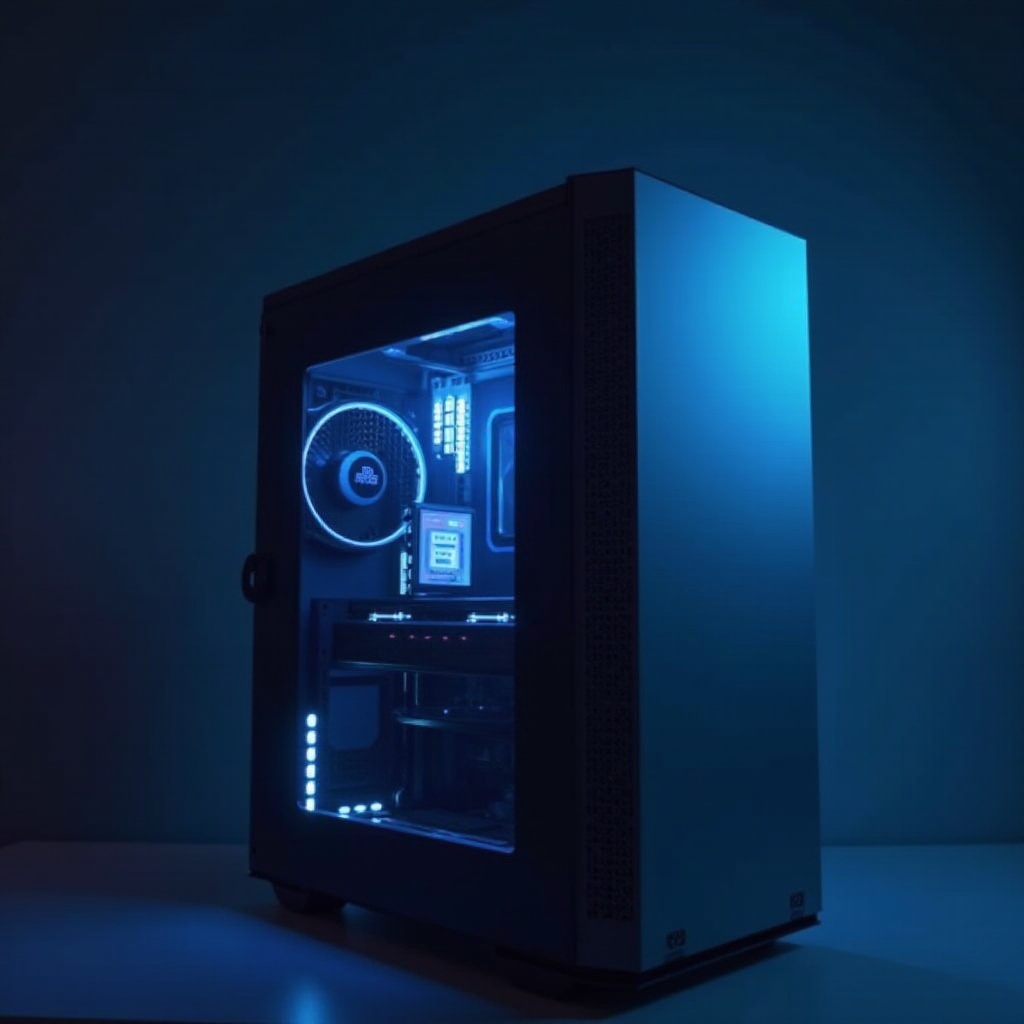
For gamers, built-in screens provide instant feedback, allowing refined fine-tuning for optimal gaming experiences. Beyond statistics, integrated displays can offer immersive elements, such as live wallpapers or immediate in-game notifications.
Professional Productivity Boosts
In professional environments, these screens help declutter monitors by consolidating notifications and auxiliary controls into the case. Creative professionals can use touchscreens for managing tools efficiently without needing on-screen menu access, thereby speeding up workflows.
Conclusion
Computer cases with built-in screens are redefining our interaction with desktop setups. They combine aesthetic qualities with practical features, providing an array of options for performance monitoring and personalization. As technology advances, these cases exemplify the potential synergy between functional design and innovative tech.
Frequently Asked Questions
Are computer cases with built-in screens worth the investment?
Yes, they offer functionality and aesthetic upgrades, enhancing both performance monitoring and workspace organization.
Can I customize the display settings on these cases?
Absolutely. Most models allow for extensive customization through specific software, enabling users to display preferred information or visuals.
What should I do if the screen stops working?
First, consult the manufacturer’s troubleshooting guide. If issues persist, contact customer support or a qualified technician for assistance.