
Introduction
Selecting the best computer for web browsing is crucial for a seamless online experience. Whether you’re managing dozens of tabs, streaming videos, or working online, the right computer can maximize your productivity and enjoyment. This article explores important features in a web browsing computer and suggests top devices fit for every budget.
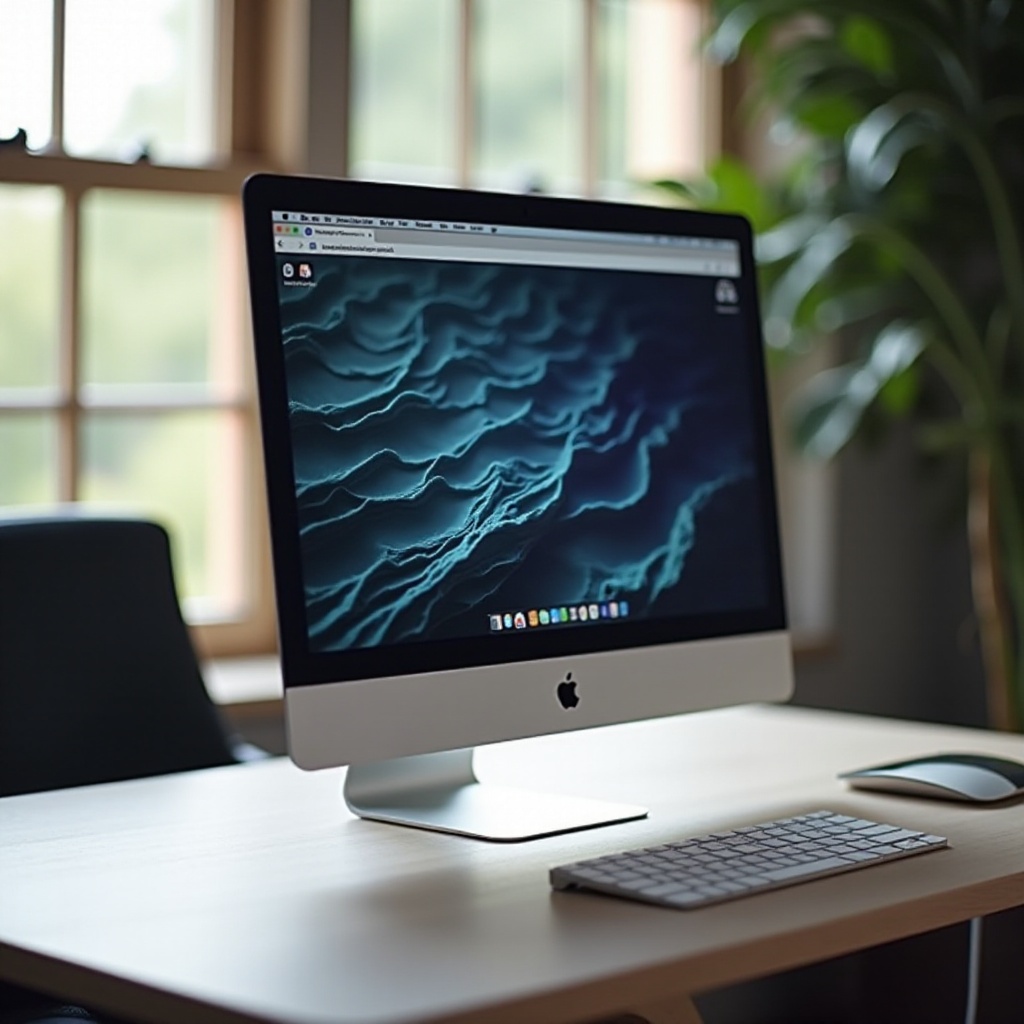
Key Features to Look for in a Web Browsing Computer
When choosing a computer for web browsing, consider features that enhance performance and usability.
- Speed and Performance: Opt for computers with a modern processor like the Intel i5/i7 or AMD Ryzen 5/7 to handle multiple tasks efficiently. At least 8GB of RAM is recommended for smooth multitasking.
- Display Quality: Choose a high-resolution screen for clear and vibrant visuals. Full HD or higher resolution displays provide the best viewing experience.
- Battery Life: For users on the move, a battery life lasting 8-10 hours ensures continuous browsing without frequent charges.
- Portability and Design: Lightweight designs and durable materials make it easier to transport your computer, adding to convenience and longevity.
Assessing these features provides a foundation for choosing the right device, seamlessly transitioning into our list of recommended computers.
Best High-End Computers for Web Browsing
High-end computers offer top-tier performance and exceptional display quality, perfect for intensive web users.
- Apple MacBook Air M3: With a sleek design and impressive battery life, the MacBook Air M3 delivers fast performance and a stunning Retina display, making it an ideal choice for multitaskers.
- Dell XPS 13 Plus: Featuring an InfinityEdge display, this device combines aesthetic beauty with powerful processing capabilities. It’s perfect for professionals requiring a premium device for their web activities.
These high-end options provide outstanding performance, setting the stage for exploring more budget-conscious choices that offer excellent value.
Top Mid-Range Options Worth Considering
Mid-range computers blend performance with cost-effectiveness, providing dependable features without a premium price tag.
- ASUS ZenBook 14: Offering a NanoEdge display and long battery life, the ZenBook 14 ensures excellent visuals and portability, meeting the needs of frequent web users.
- Microsoft Surface Laptop 5: Known for its lightweight design and efficient keyboard and trackpad, the Surface Laptop 5 is versatile enough for both work and casual browsing.
These selections cater to users seeking reliability and affordability, offering a balanced mix of functionality and cost, and leading into our budget-friendly recommendations.
Budget-Friendly Computers with Great Browsing Capabilities
For budget-conscious buyers, several computers excel at providing solid web browsing experiences at an affordable price.
- Lenovo Chromebook Duet 5: With a detachable keyboard and touchscreen, this Chromebook is a versatile tool for basic browsing tasks, switching easily between tablet and laptop mode.
- Acer Aspire 5 Slim: This model is known for delivering solid performance for everyday tasks, featuring a long battery life and plenty of ports for connectivity.
These cost-effective options ensure that budget constraints don’t compromise web browsing capabilities, paving the way to understanding operating system choices and their impacts.
Operating System Considerations: Windows, macOS, or Chrome OS?
The operating system significantly influences how a computer is used.
- Windows: Offers flexibility and compatibility with various applications, making it ideal for users needing diverse software support.
- macOS: Seamlessly integrates with Apple products and provides a user-friendly experience. It’s renowned for stability and ease of use, particularly among creative professionals.
- Chrome OS: Optimized for cloud-based and web applications, offering fast performance without the need for storage-heavy applications.
By understanding these system options, users can better align their computer choice with personal software needs and preferences. As we conclude, remember to select a device and OS that best suit your unique browsing requirements.
Conclusion
Finding the best computer for web browsing involves balancing personal needs with budget limitations. The choices highlighted range from high-end to budget models, each offering an optimized browsing experience. By evaluating the features discussed, you can make an informed decision, resulting in seamless web activities.
Frequently Asked Questions
What is the most important feature for web browsing on a computer?
The most crucial feature is a fast processor, ensuring smooth multitasking and quick loading times.
Can Chromebooks handle all web browsing tasks?
Yes, Chromebooks are optimized for web-based tasks and are excellent for general browsing activities.
Is more RAM important for web browsing?
Yes, more RAM enhances multitasking capabilities, allowing multiple tabs and applications to run simultaneously without slowing down the computer.